

From Scripture to sermon.In one focused workspace.
Study the passage beside your notes, shape the outline, write the manuscript, and prepare content that flows into the service plan and broadcast.
Available from the Growth plan. Compare plans
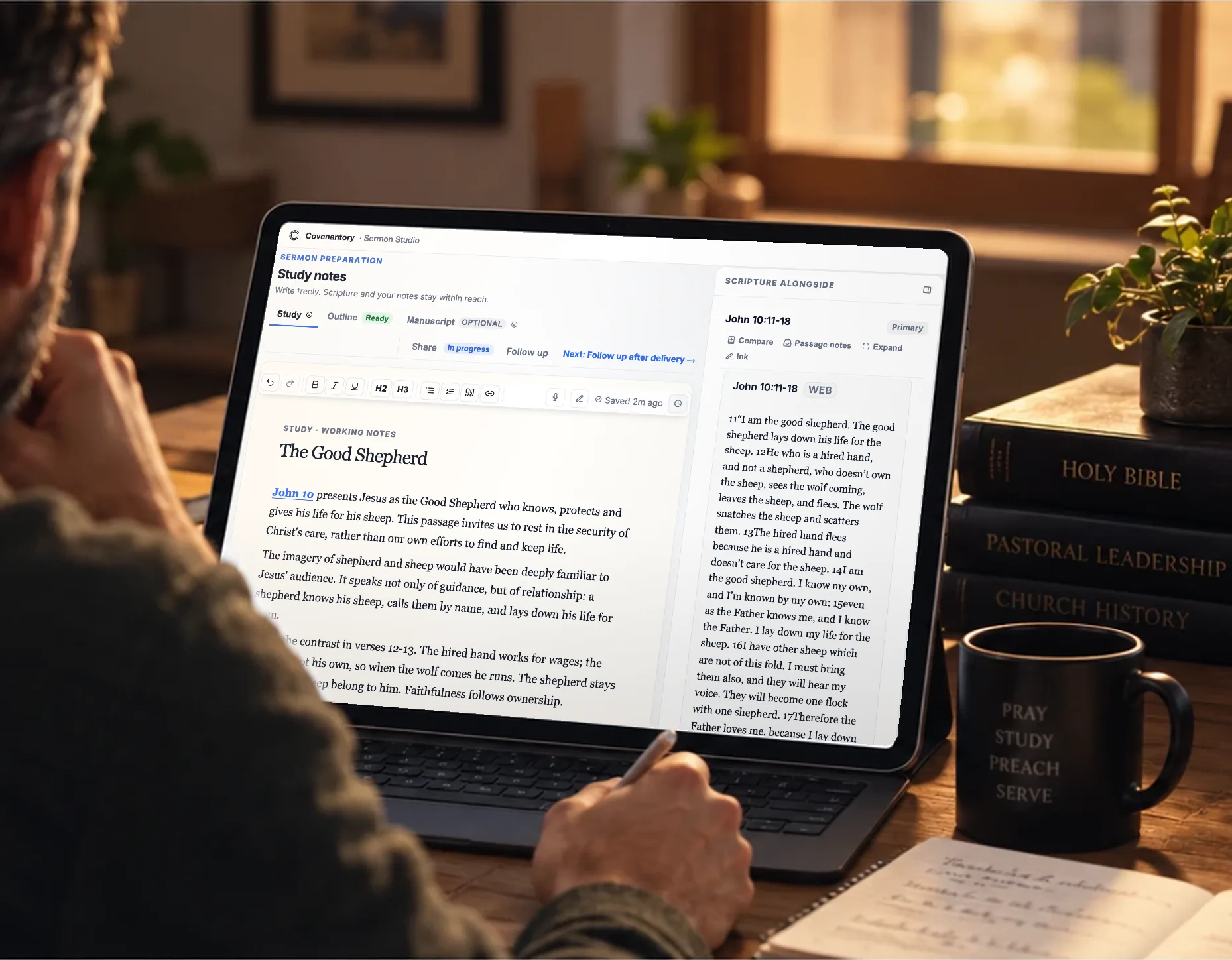
From scattered notes to a message the team can use.
Before: The passage in one place, notes in another, the outline somewhere else.
With Covenantory: Scripture, notes, outline and manuscript together in one workspace.
Before: Slides built the night before from a pasted outline.
With Covenantory: Projection slides and broadcast lower thirds prepared from the message.
Before: The media team waiting on files sent by text or email.
With Covenantory: An approved kit the media team can use, reviewed once.
Everything the message needs, in one workspace.
Study the passage, shape your outline and prepare your manuscript in a dedicated space for pastors. When the message is ready, prepare the slides and overlays your team will use.
- Scripture beside your notesKeep the passage next to your study.
- Notes, outline and manuscriptWrite freely, shape the outline, write it out in full if you like.
- Projection slidesFull-screen slides for the sanctuary, built from the message.
- Broadcast lower thirdsSee-through overlays for OBS or vMix, from the same slides.
- Approved, then handed offReviewed once, then frozen for the media team.
- Connected to the service planLink the sermon to a plan and its title and reading appear there.
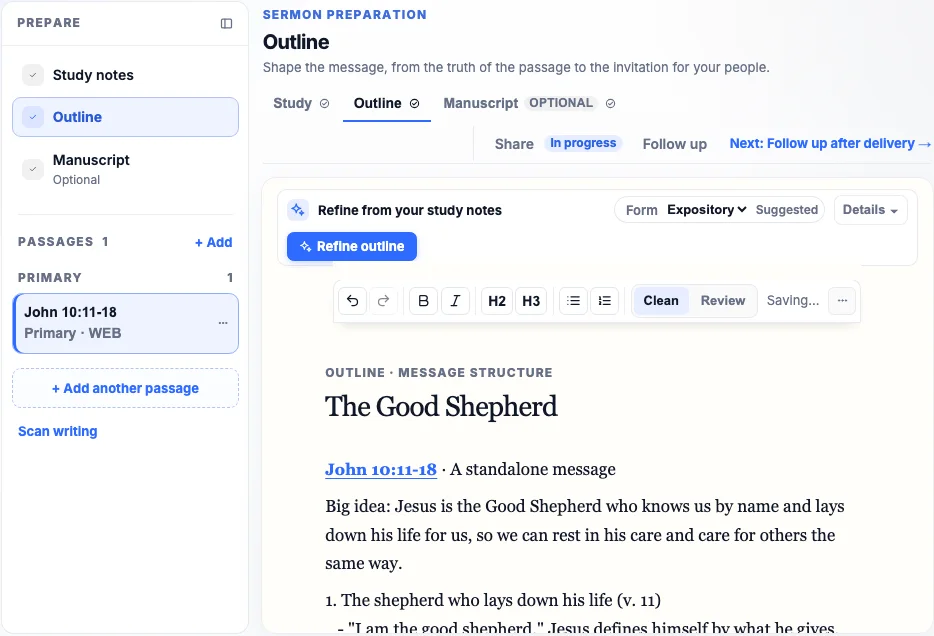
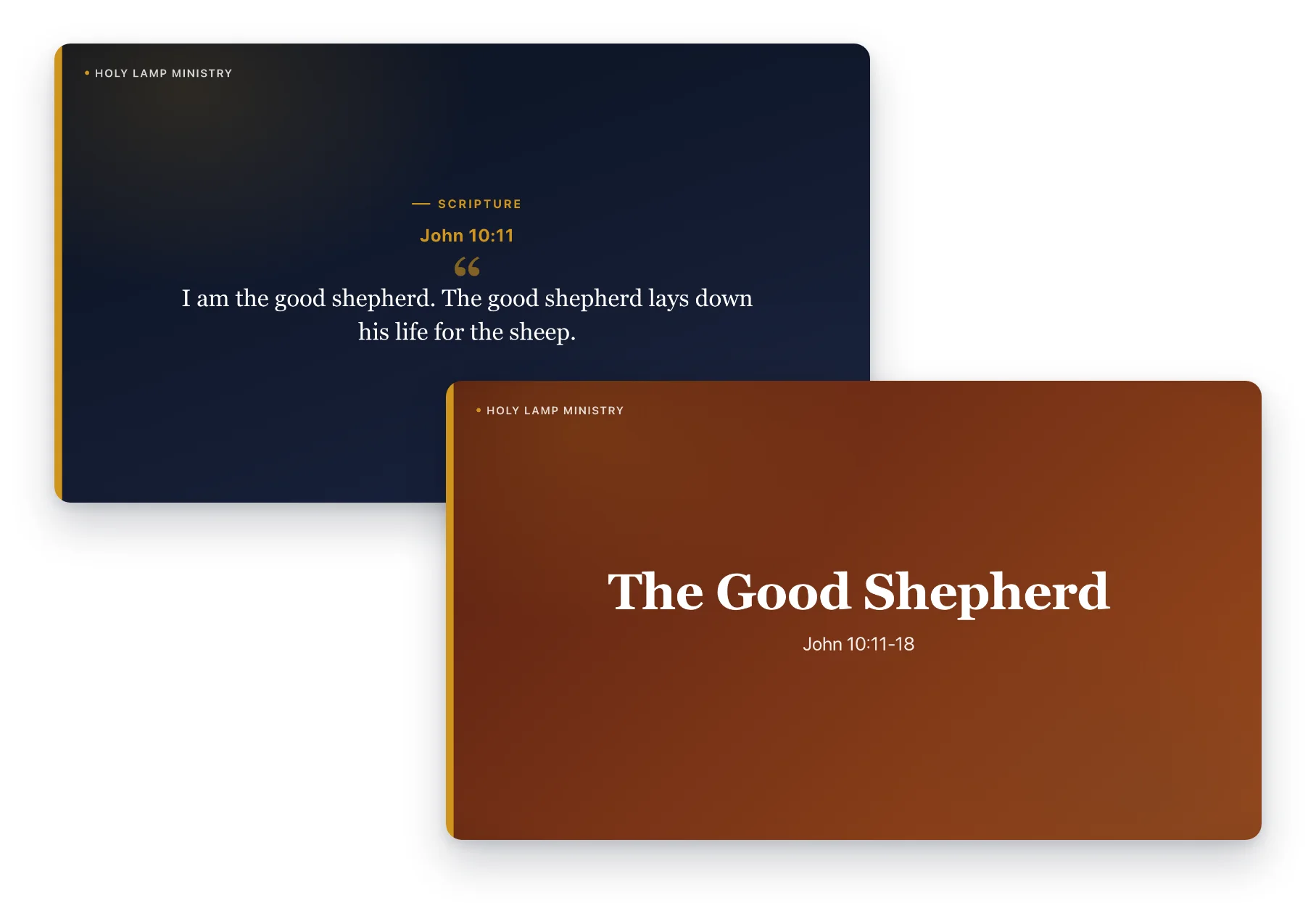
From the first note to the media desk.
- StudyScripture and notes together, with the passage in the version you choose.
- OutlineShape the points of the message.
- ManuscriptOptional, when you write it out in full.
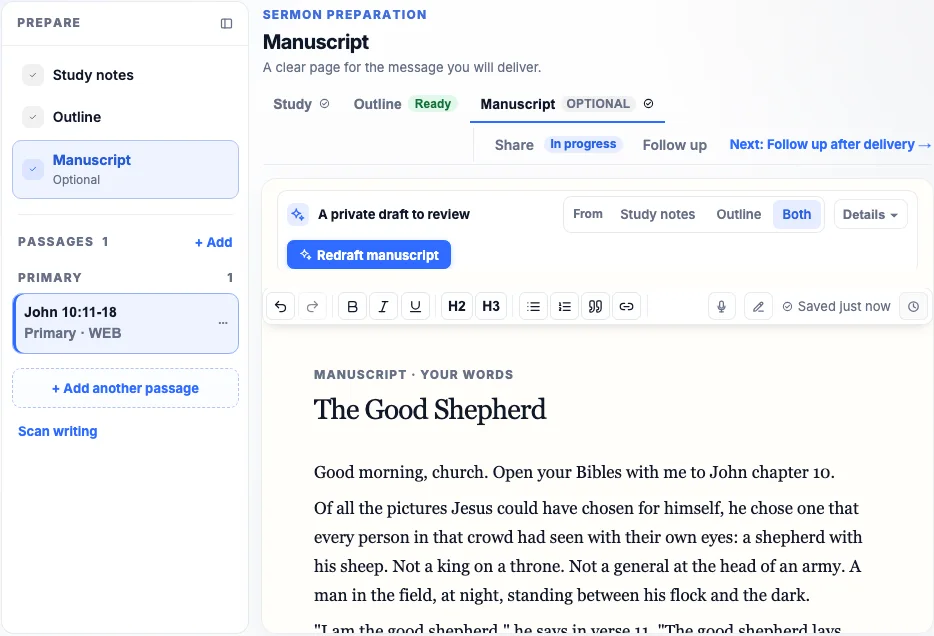
 Projection slidesFull-screen slides for the sanctuary, in a look you choose.
 Lower thirdsTransparent overlays for the broadcast.
 Media deskThe approved kit, ready for your team.
Frames show a sample sermon, The Good Shepherd, in the Holy Lamp Ministry demo church. The media desk frame is a simulated live state.
One message. Every team ready.
 Pastor
Study, outline and manuscript in one workspace built for preparing the message.
 Worship and production leads
The message's title and reading appear in the service plan.
 Media team
Approved projection slides and lower thirds, ready for the service.
Prepared once. Used across the gathering.
One Ministry. One Connected Story.
Sermon Studio is part of Covenantory, so the message connects to the plan, the broadcast and the stewardship of the gathering.
- Planning & ServingLink the sermon to a service plan and its title, speaker, series and reading appear in the order of service.
- Watch & MediaThe message publishes with its title and reading.
- Giving & FinanceThe offering from the gathering moves to a counted, reviewed record.
What churches ask about Sermon Studio.
Straight answers from how Covenantory works today. Bring the rest to a walkthrough.
Book a walkthrough- Who can see a pastor's study notes?
- Preparation is private to the author and the collaborators they invite. Sharing the approved message is separate from sharing study notes.
- Do we have to write a full manuscript?
- No. Notes, an outline and a manuscript are separate steps. Use the ones that fit how you prepare.
- What does the media team receive?
- Projection slides and broadcast lower thirds, reviewed and approved before the kit is handed off. Lower thirds are transparent overlays for broadcast software such as OBS or vMix.
- How does the message reach the service plan?
- Link the sermon to a service plan, and its title, speaker, series and Scripture reading appear in the plan for the whole team.
Connected to the rest of your ministry.
See your next message come together.
Walk through Sermon Studio, from the first note to the approved slides, and see how it connects to your service plan.